Registering an Admin Account
Currently, the only way to add an admin account to Onloc is by registering an account when no other admin account exists on the server. If the server does not have an admin account, you will be redirected to the registration page to create one. This account will be the server's admin account.
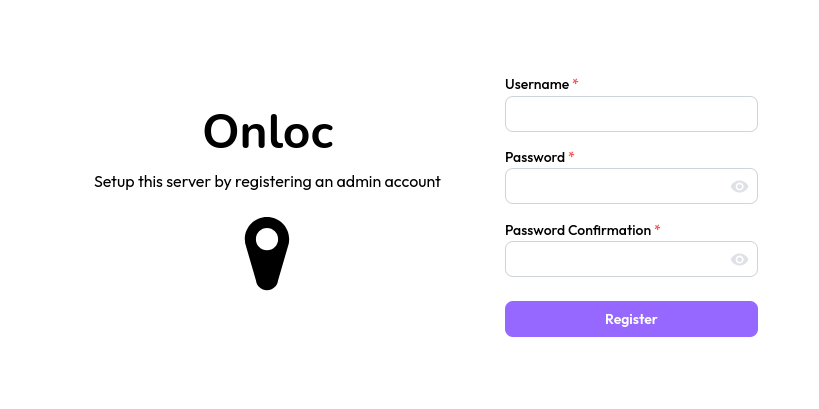
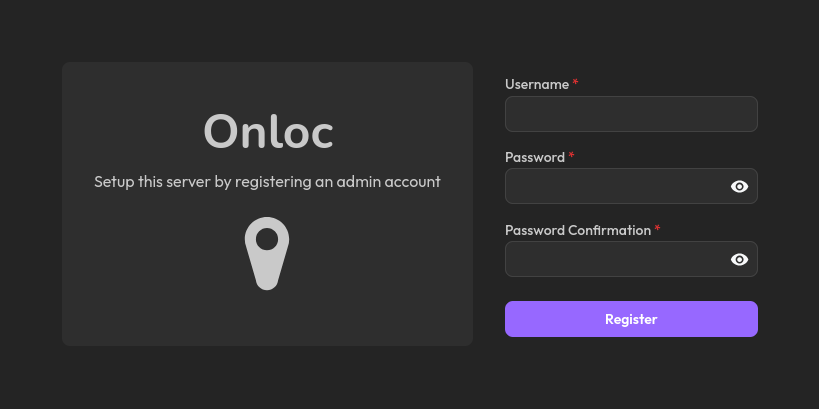
Once you're logged in, you can verify that your new account has admin privileges by
clicking on the account button. An admin account should see the Admin option.
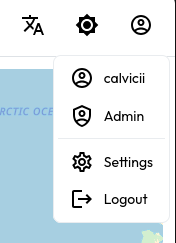
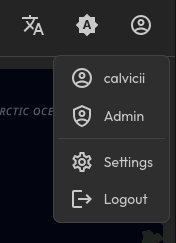
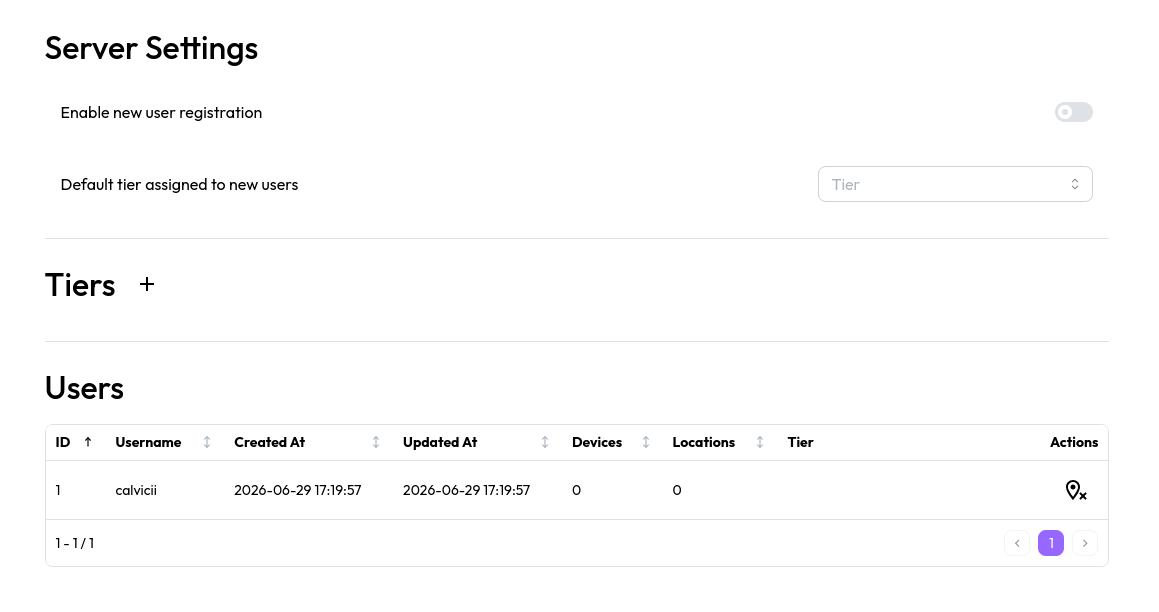
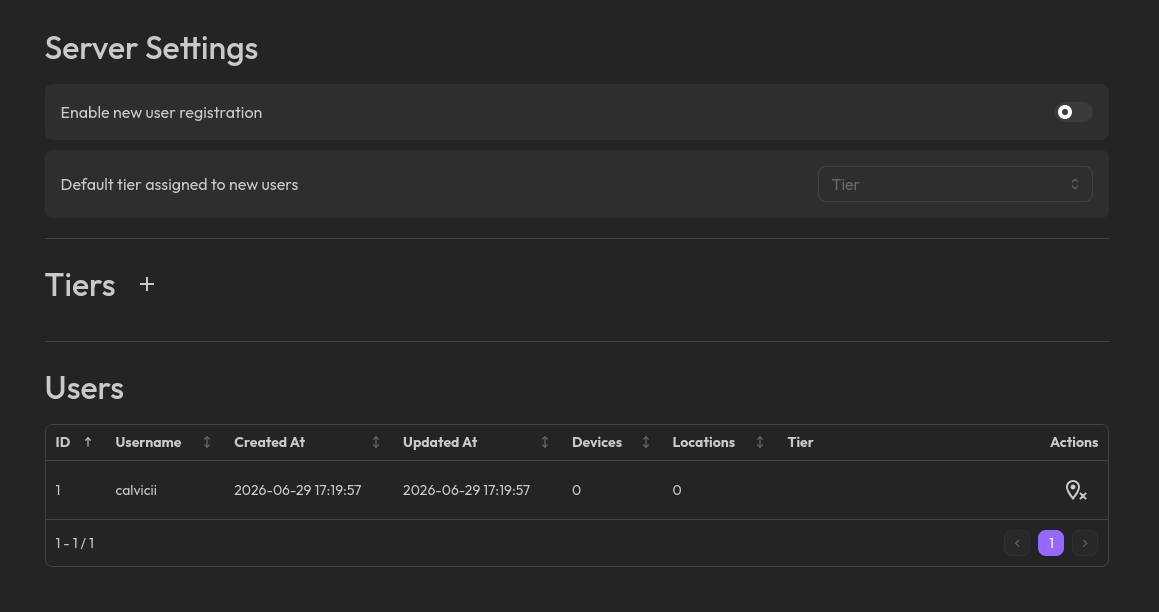
If you click on this option, you'll be brought to the admin page. This page lets you manage every user on the instance, apply restrictions using tiers and change some server settings.