Installation
Install HACS
This documentation assumes you have running instances of both Onloc and Home Assistant. If you have not installed Onloc, please follow the official documentation.
To install Onloc's integration on your Home Assistant, you first need to install HACS, the Home Assistant Community Store, using the official installation steps.
Install and Configure Onloc’s Integration
First, go to the HACS tab in your Home Assistant sidebar. Once you're on the HACS page, search for "Onloc" in the search field.
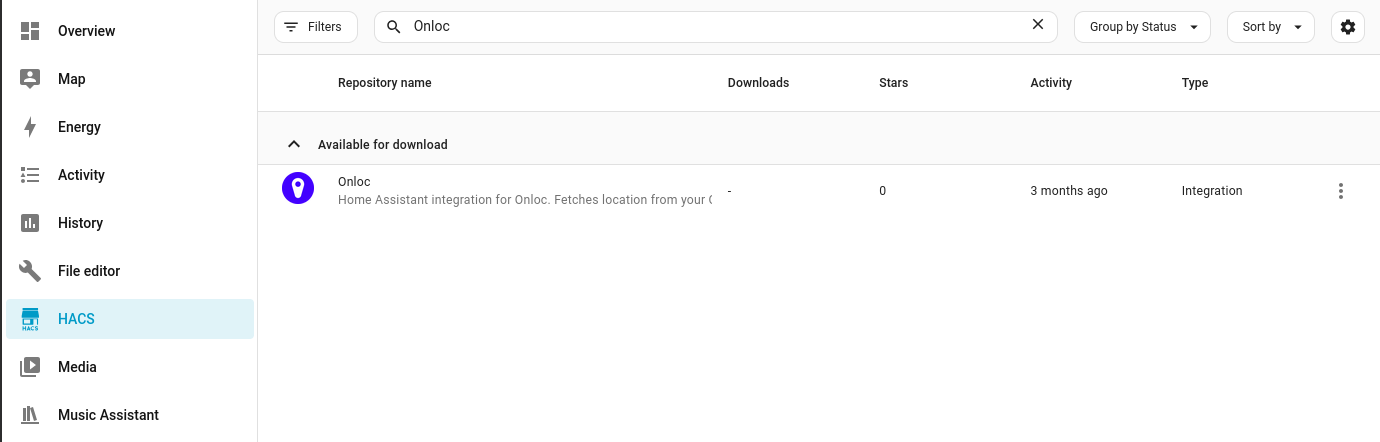
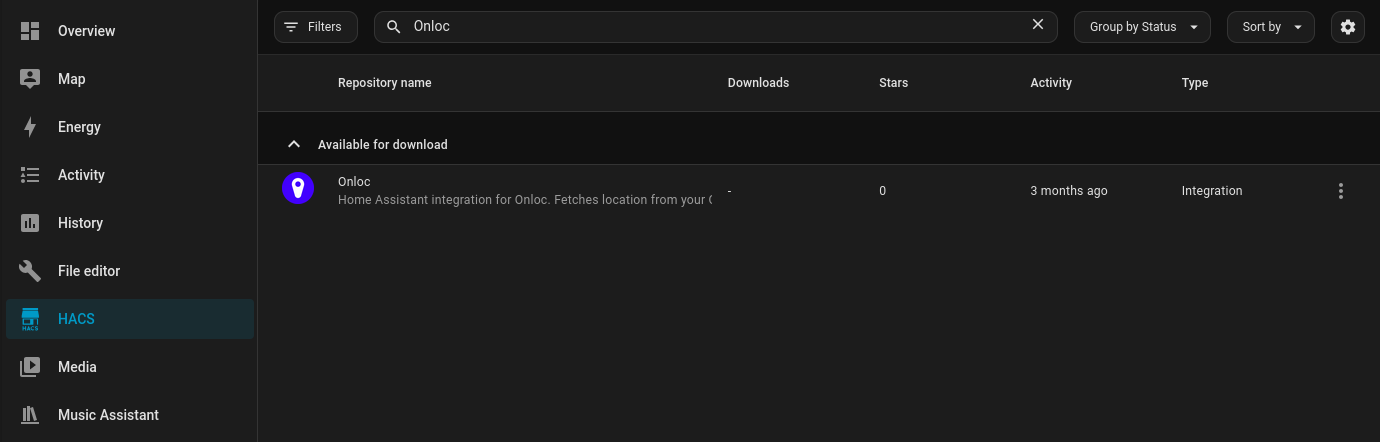
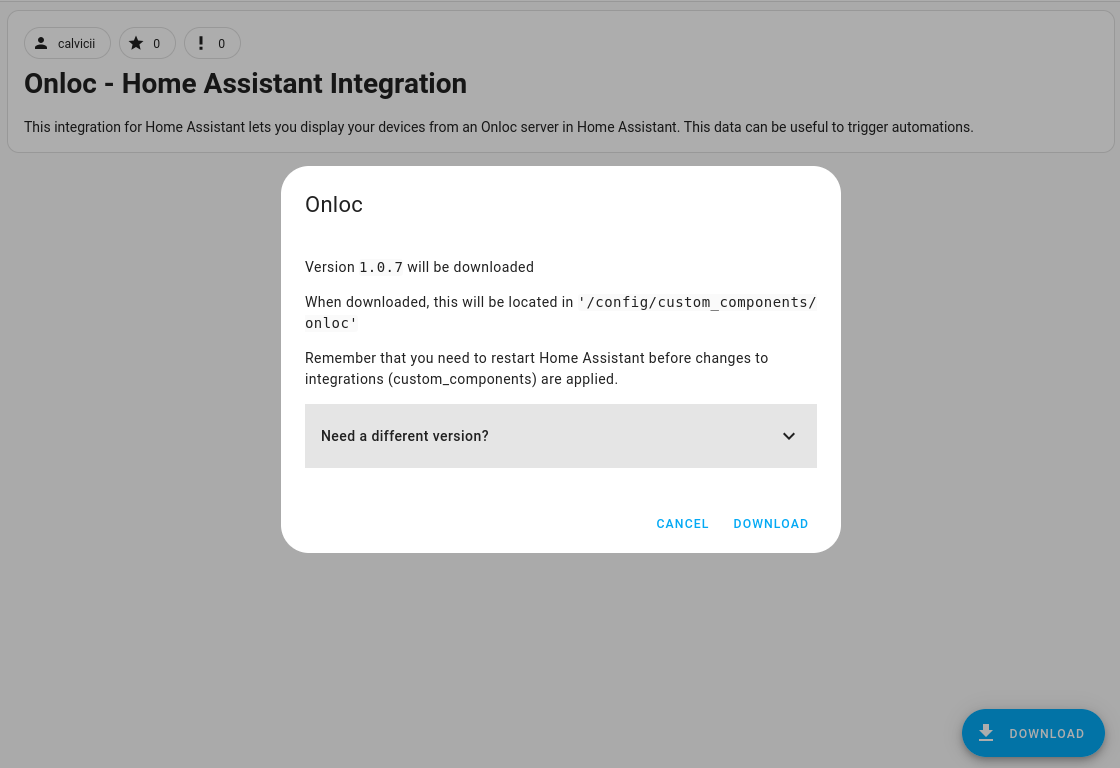
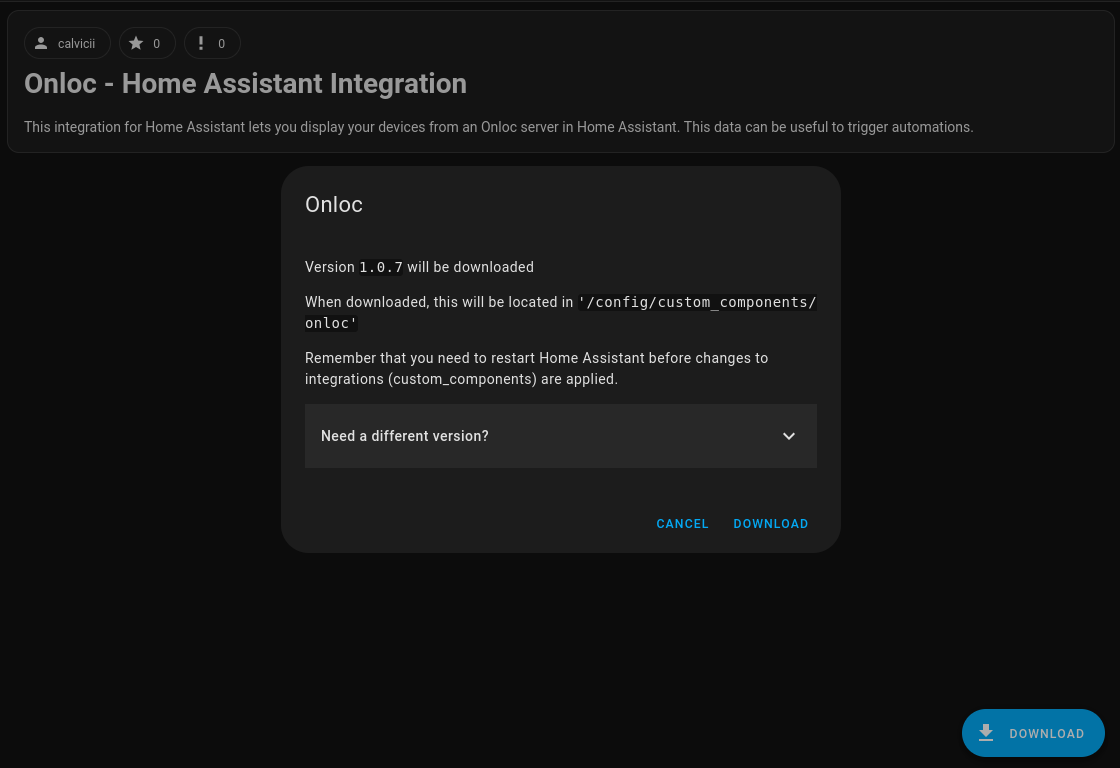
Select the Onloc integration and click on download. A pop up will appear asking whether you want to download the latest version or choose a specific version. We recommend always using the latest version to prevent compatibility issues.
In the "Devices & services" page, click on "Add integration" and search for and select Onloc.
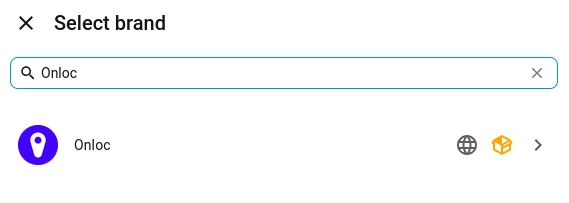
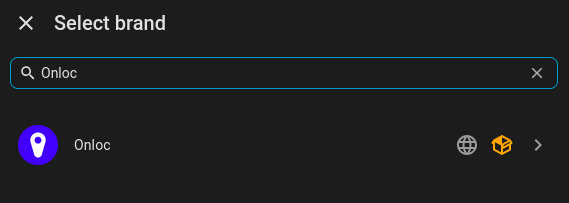
Home Assistant will present a pop-up, asking for your Onloc server URL and an API key.
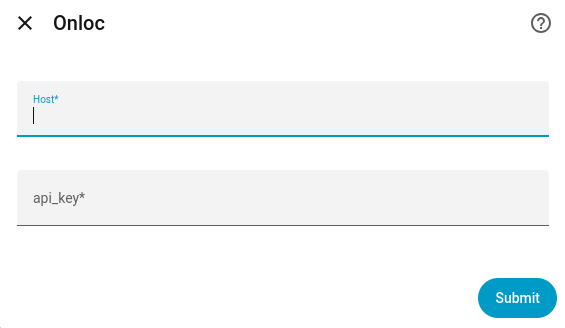
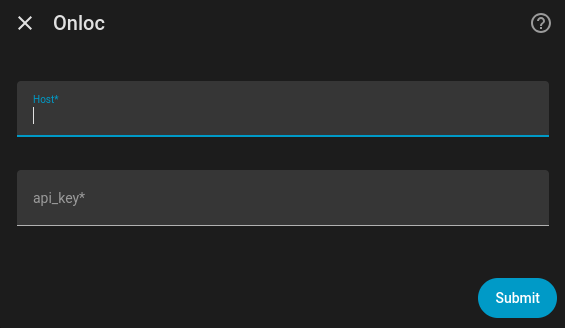
An API key can be generated in your Onloc's front end in the settings page. You can of course name the key how you like.
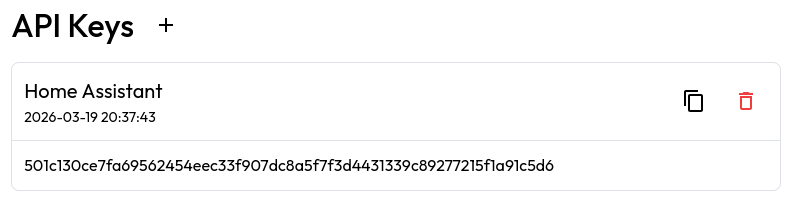
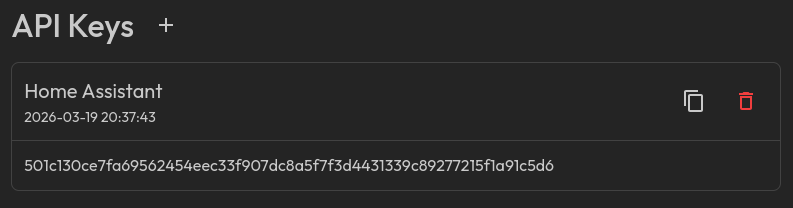
Once both the URL and API key are entered, submit the form and voila!
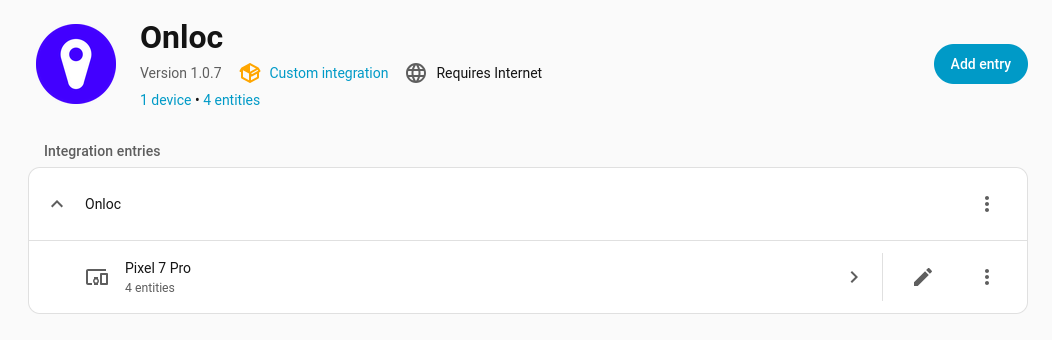
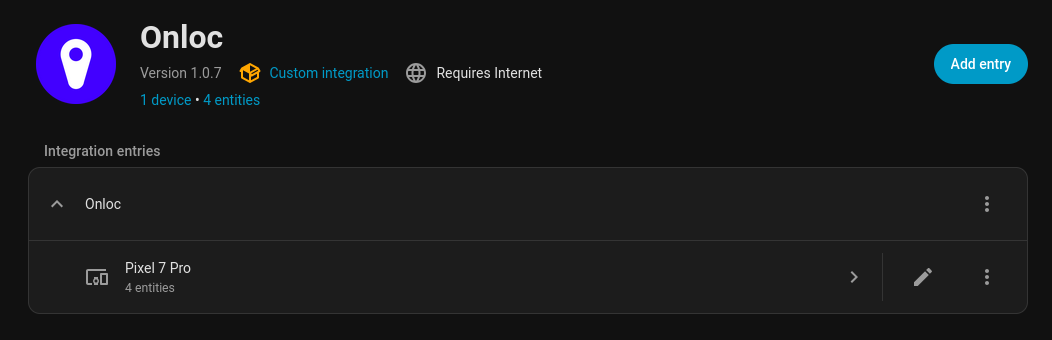
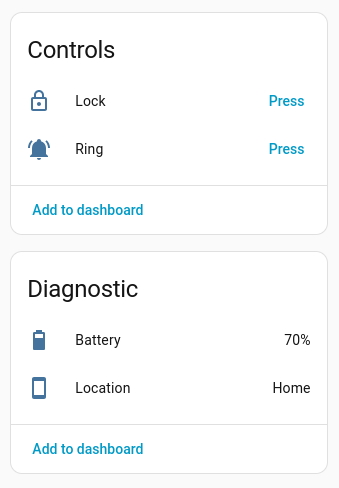
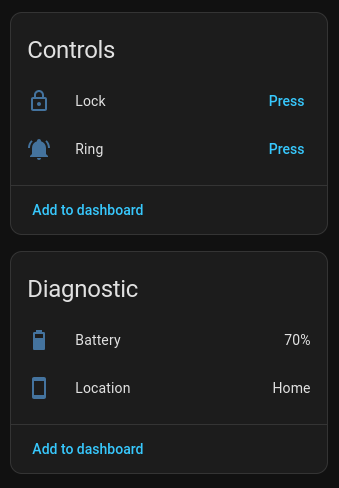
You now have your devices in Home Assistant. Happy automating!