Usage
Login
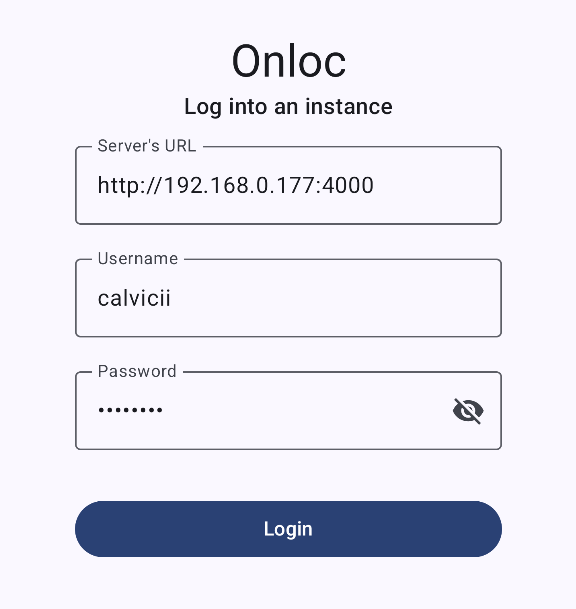
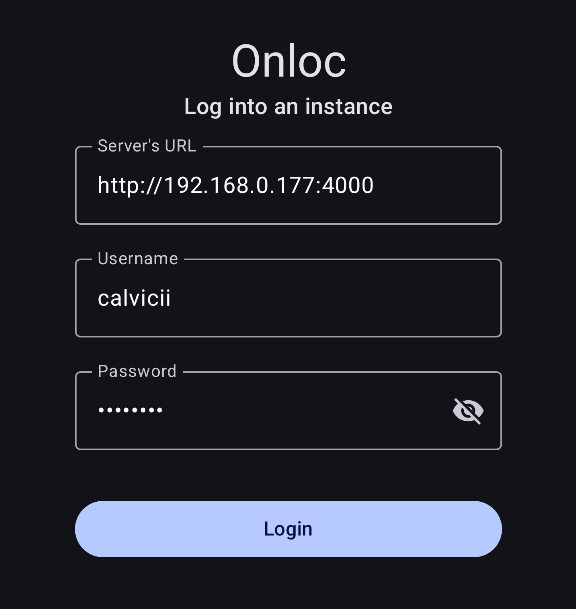
To start using Onloc, assuming you have a server up and running (if not, check out the self-host section), you have to log in to the instance of your choice. Enter the server's URL and your credentials into their corresponding fields.
Main Screen
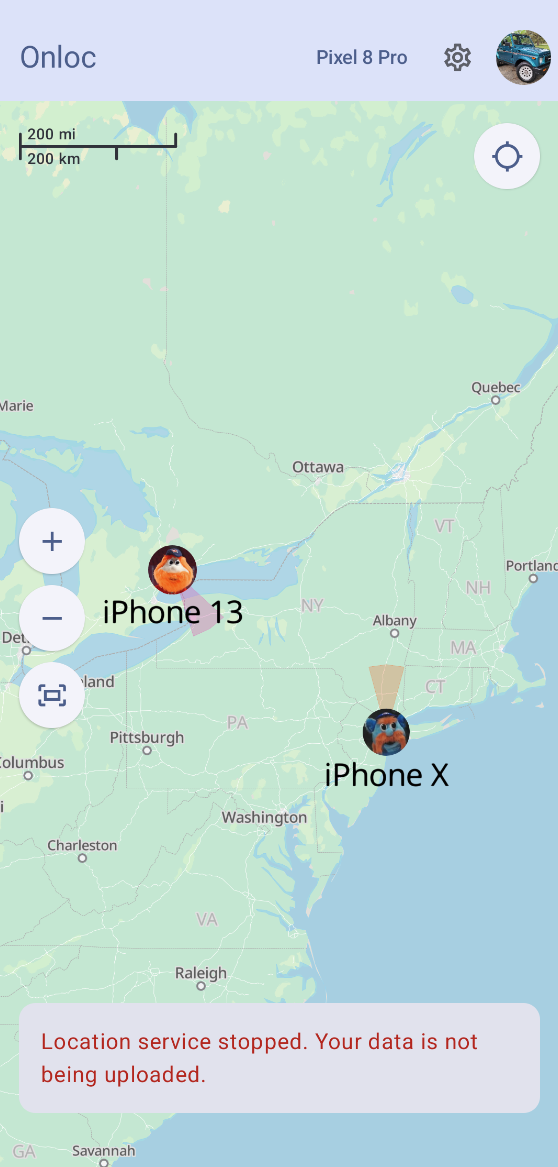
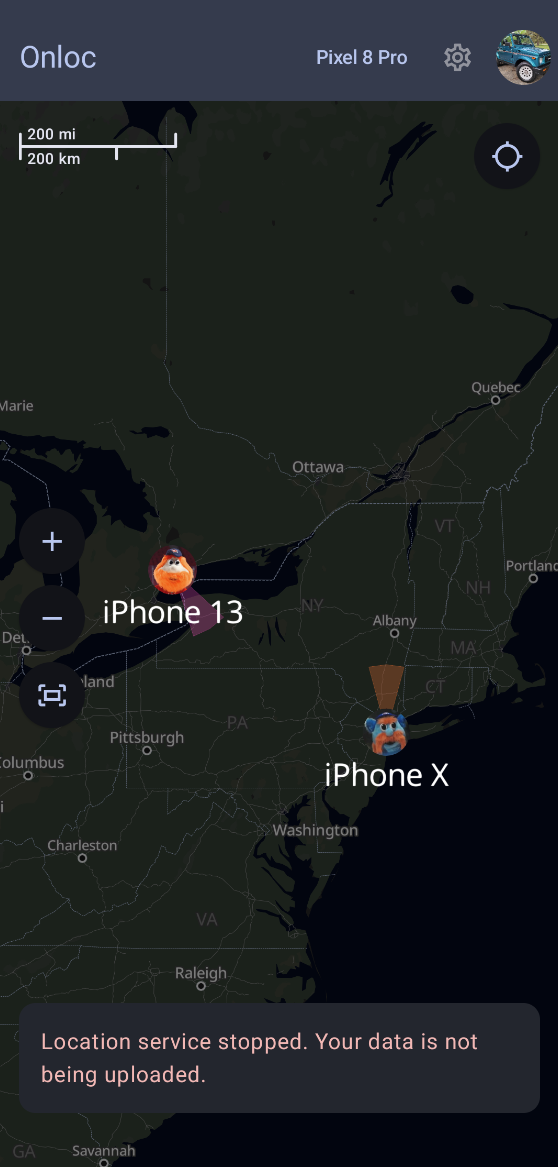
Welcome to Onloc! This is the main screen. It provides you with all of your devices' locations, including friends who have shared their location with you.
Actions
Here, you can focus a device by tapping its location on the map.
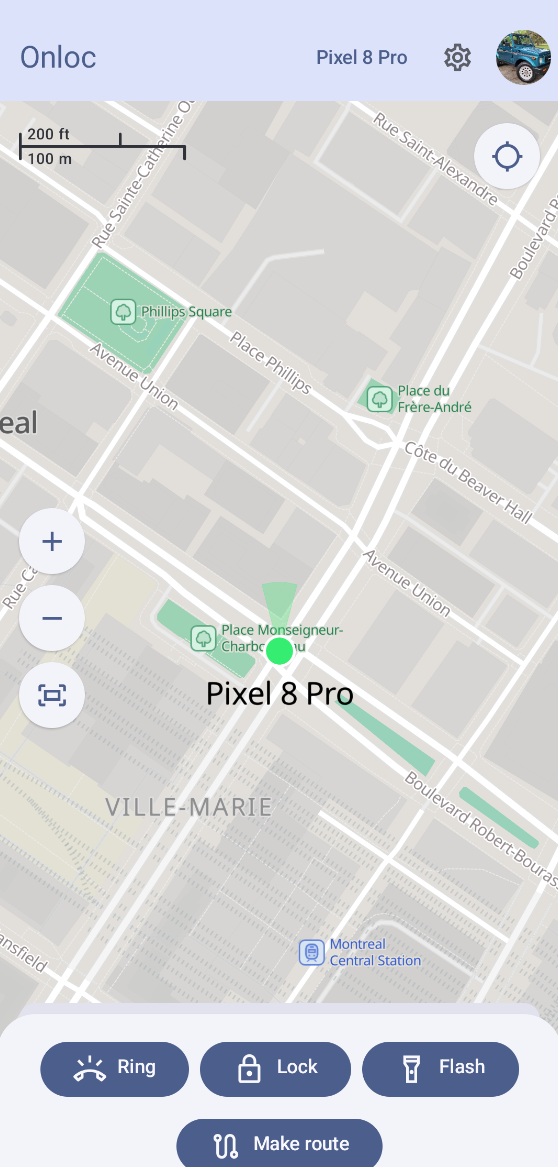
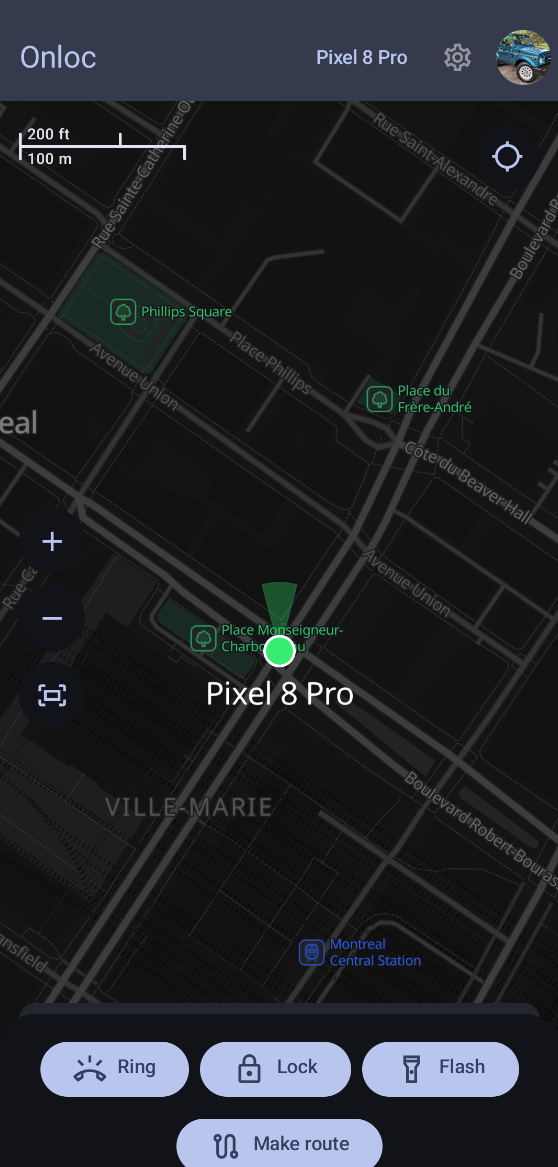
Once the device is in focus, actions will appear at the bottom of your screen.
Permissions
Multiple permissions are required by the app to provide most of the features supported by Onloc. These permissions have been grouped by features so you can enable only those you need. Start by tapping on the settings icon at the top of your screen to open the services and permissions modal.
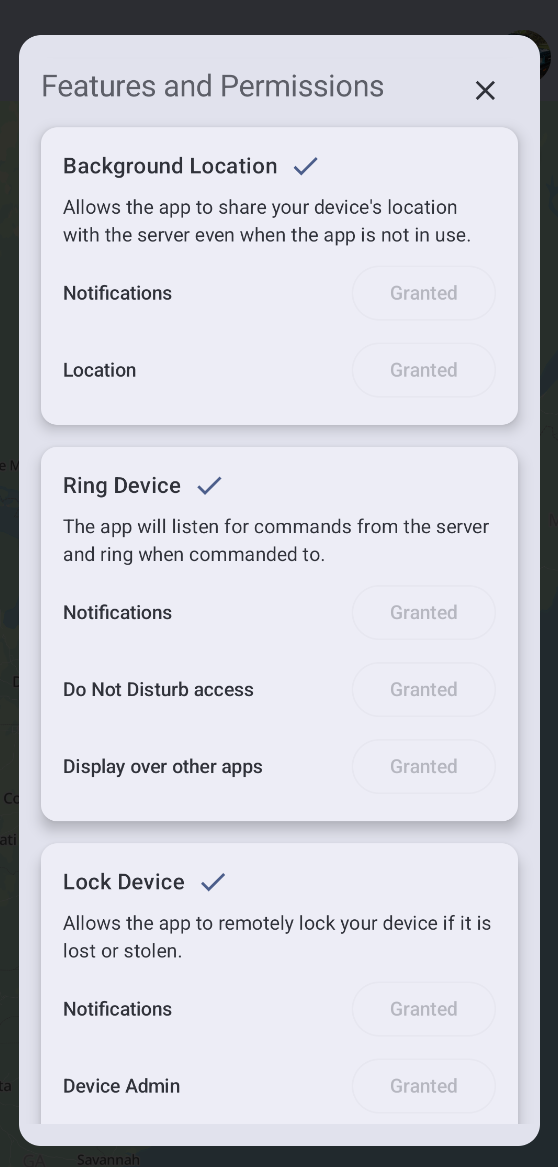
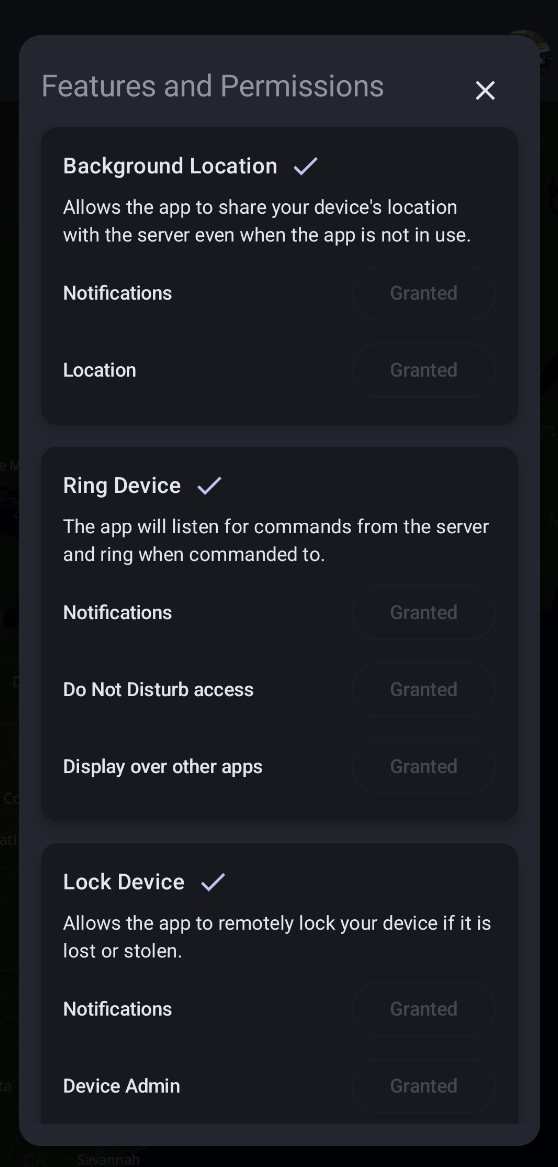
Here, you can grant permissions as you see fit.
Enabling Location Service
Selecting a Device
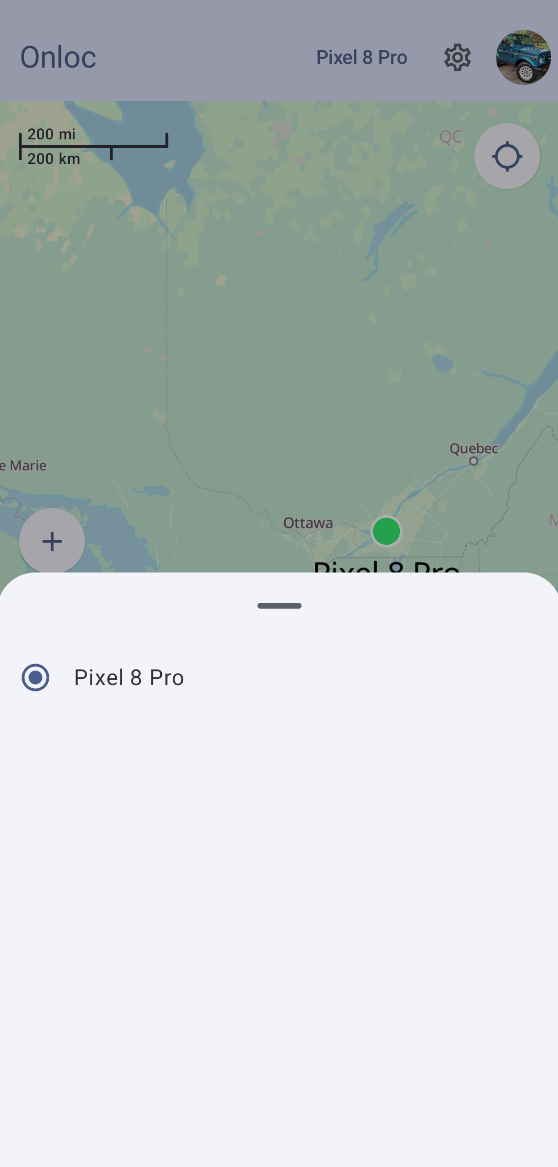
In order to enable the location service which sends data periodically to your server, you first need to select a device to which your location data will be attached. Tap on "Select a device" at the top of your screen. The devices you created should appear, allowing you to select one.

Update Frequency
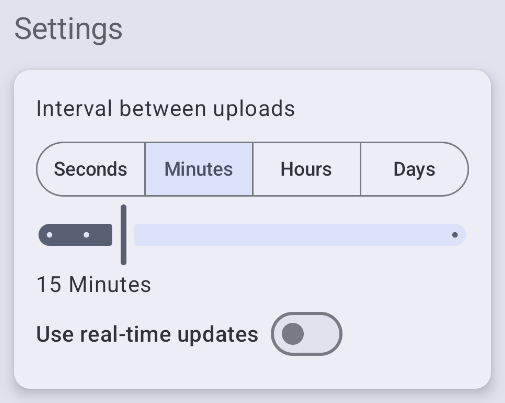
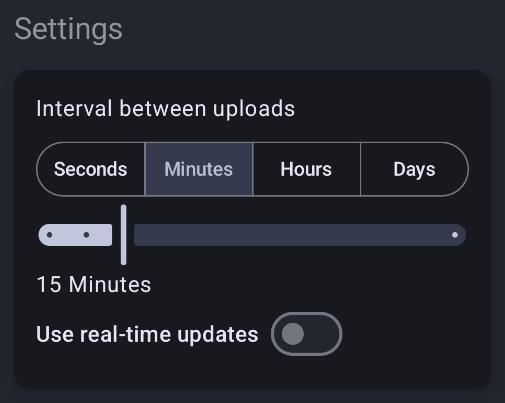
From the main screen, tap on the settings (cog icon) button at the top to open the services and permissions modal. The interval picker lets you choose a frequency at which your location will be sent to the server.
A shorter interval will provide you with more accurate data, but may drain your device's battery faster, while a longer interval will update less often, leaving you with less data, but costing less battery life.
When real-time updates are used, your device will send its location back as soon as possible which provides the best accuracy while costing the most battery life.
We recommend setting the interval to 15 minutes, giving you up-to-date data while costing little battery life.
Starting the Service
To start the service, enable the location service switch.


Congratulations! You are now using Onloc.